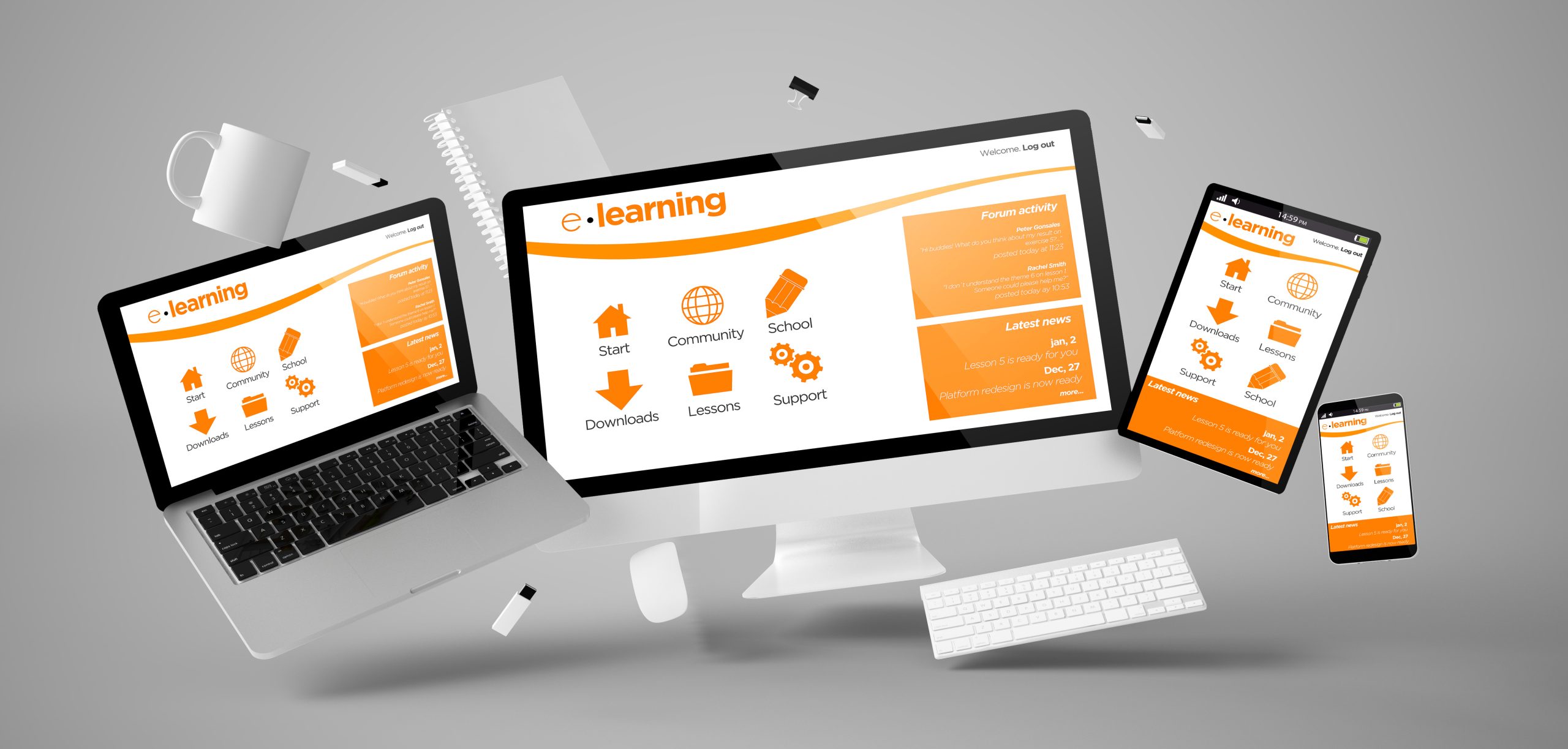
In today’s mobile-first, remote-enabled world, learning is no longer tethered to a desk. Learners are on the move, accessing content from smartphones, tablets, and wearable devices. This shift demands a new approach to course design, one that blends User Experience (UX) principles with Instructional Design (ID) strategies to create seamless, engaging, and effective learning experiences in motion. As an instructional designer and eLearning specialist with deep roots in law enforcement, intelligence, and compliance training, I’ve seen how mobile learning can empower teams if it’s designed with both the learner and the device in mind.
This blog examines the design of courses for learning in motion, integrating UX best practices with instructional design frameworks to ensure accessibility, engagement, and retention.
Understand the Learner’s Context
Designing for mobile means designing for contextual variability. Learners may be commuting, multitasking, or working in high-pressure environments. Learning is most effective when it occurs in context.
✅ Design Tip: Begin with learner personas. Consider their environment, device usage, time constraints, and cognitive load. For law enforcement or intelligence professionals, prioritize clarity, speed, and relevance.
Prioritize Microlearning for Cognitive Efficiency
Mobile learners benefit from microlearning, short, focused bursts of content that align with Cognitive Load Theory. This approach reduces overload and supports better retention.
✅ Design Tip: Break content into digestible modules (3–5 minutes). Use clear headings, bullet points, and visuals to support quick comprehension.
Design for Touch, Not Click
Mobile UX is tactile. Learners interact through taps, swipes, and gestures. Poorly optimized interfaces can frustrate users and hinder learning.
✅ UX Tip: Use large, tappable buttons, minimal scrolling, and intuitive navigation. Avoid hover effects and complex interactions that don’t translate well to mobile.
Apply Visual Hierarchy and Contrast
Visual design impacts usability and cognition. According to Dual Coding Theory, combining verbal and visual elements enhances memory.
✅ Design Tip: Use high-contrast colors, clear typography, and consistent iconography. Guide the learner’s eye with visual hierarchy, placing key information where it’s most accessible.
Use Responsive Design and LMS Compatibility
Courses must adapt to various screen sizes and operating systems. Responsive design ensures content looks and functions well across devices.
✅ Tech Tip: Use tools like Articulate Rise, Adobe Captivate, or Lectora that support responsive design. Test across devices and browsers. Ensure LMS compatibility for tracking and analytics.
Embed Just-in-Time Learning
Mobile learning shines when it delivers just-in-time content. This aligns with Adult Learning Theory, which emphasizes the importance of relevance and immediacy in learning.
✅ Design Tip: Create searchable content libraries, quick-reference guides, and scenario-based modules that learners can access when they need them most.
Incorporate Feedback Loops
Immediate feedback enhances learning and motivation. According to Hattie & Timperley (2007), feedback is one of the most powerful influences on achievement.
✅ Design Tip: Use interactive quizzes, branching scenarios, and real-time feedback to reinforce learning and correct misconceptions.
Design for Accessibility and Inclusion
Mobile learning must be inclusive. This means designing for learners with diverse needs, including visual, auditory, and motor impairments.
✅ Accessibility Tip: Use alt text for images, closed captions for videos, and screen reader-friendly layouts. Follow WCAG guidelines and test with accessibility tools to ensure optimal accessibility.
Leverage Gamification for Engagement
Gamification taps into intrinsic motivation. Points, badges, and progress tracking can drive engagement and habit formation.
✅ Design Tip: Integrate gamified elements that reward progress and encourage repeat engagement. Use leaderboards, challenges, and streaks to build momentum.
Test, Iterate, and Improve
UX and instructional design are iterative. Use analytics, learner feedback, and usability testing to refine your courses.
✅ Design Tip: Conduct A/B testing, heatmaps, and learner surveys. Utilize data to enhance navigation, clarity of content, and user engagement.
Case Example: Mobile Learning for Law Enforcement
In a recent project for a federal agency, I designed a mobile-first compliance training module for field agents. Using Articulate Rise and Vyond, we created short, scenario-based lessons with embedded quizzes and real-time feedback.
➡️The result?
📊40% increase in completion rates
📊25% improvement in post-assessment scores
📊90% learner satisfaction rating
This success was driven by aligning UX principles with instructional design—making learning accessible, relevant, and engaging.
Learning in Motion Is the Future
Designing for learning in motion isn’t just about shrinking content to fit a screen. It’s about reimagining how people learn—on the go, in context, and on their terms.
By integrating UX and instructional design, we can create mobile learning experiences that are not only functional but transformational.
📣 Let’s Collaborate
Are you ready to design mobile-first, bilingual learning that drives performance and compliance? I specialize in creating scalable, intelligence-informed training for remote teams, law enforcement, and global organizations.
📩 Connect with me on LinkedIn or visit The Space of Agnes Elisa to explore how we can build more innovative learning together.